FC Web App
Introduction to FC Web App
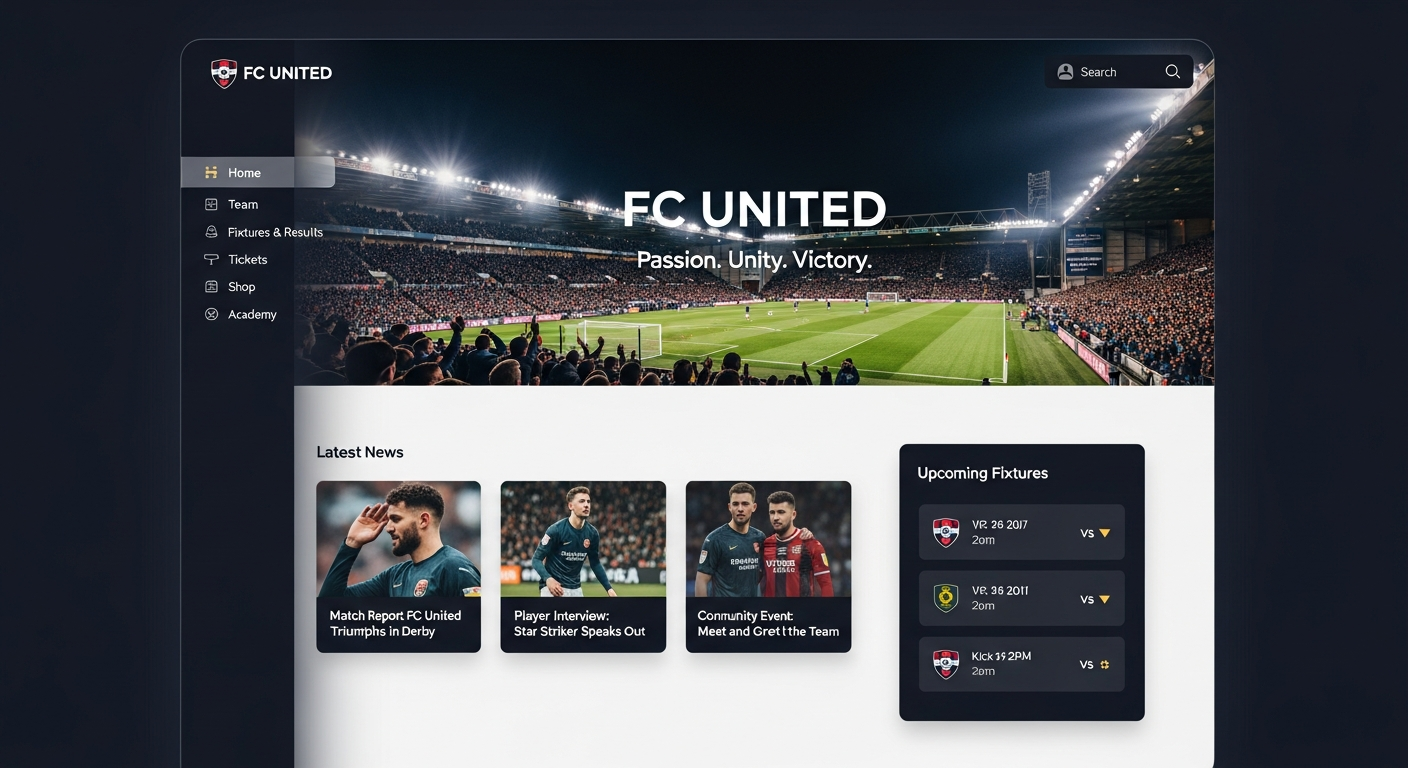
The FC Web App is an interactive browser-based platform designed to manage and enhance the user experience of football simulation games, especially in the context of EA Sports FC Ultimate Team. It allows players to access key features like squad management, market trades, pack openings, and challenge completions without launching the console or PC game. Unlike traditional game software, the FC Web App is lightweight, accessible from any device, and synchronizes in real-time with the user’s main game account. Its design caters to casual users, competitive gamers, and professionals who need flexibility and quick access to game resources.
The FC Web App’s popularity lies in its ease of use, early access capabilities, and efficiency. Players can optimize squads, monitor rewards, and trade cards even when they are away from the console. Understanding this web app is essential for modern gamers, as it represents a shift from fully installed software to interactive cloud-based experiences.
History and Evolution of the FC Web App
The concept of a web companion app emerged with the need for players to manage football simulation games outside the main console environment. Early iterations appeared with FIFA Ultimate Team, providing minimal squad and market access. Over time, these web apps evolved to include real-time trading, Squad Building Challenges (SBCs), and integrated pack openings.
EA Sports, recognizing the demand, introduced progressive improvements to enhance user experience. The FC Web App now supports mobile browsers, tablets, and PCs, allowing seamless interaction with Ultimate Team accounts. Features like early access, alerts for market trends, and real-time notifications made it an essential tool for competitive players. Modern FC Web Apps also integrate progressive web technologies (PWAs), offering near-native app functionality without installation.
The evolution reflects a wider trend in the gaming industry, where accessibility, cross-platform functionality, and remote management have become crucial. This ensures that users can remain engaged with their virtual teams, complete tasks efficiently, and optimize their strategies even when away from the main game.
How the FC Web App Works
The FC Web App operates through a client-server model. Users access it via a browser, which sends requests to remote servers. These servers process commands, fetch player or market data, and deliver the interface and information back to the user. This architecture allows the app to function without heavy local processing, making it fast, lightweight, and compatible across devices.
Key functionalities include squad management, market access, and challenge tracking. Changes made in the web app automatically sync with the main game account. This synchronization ensures that any transfers, formations, or trades executed remotely reflect in real-time during console or PC gameplay.
Because it is browser-based, the FC Web App relies heavily on stable internet connectivity. Additionally, security measures like two-factor authentication and encrypted data transfer protect users’ accounts and transactions. Understanding this workflow helps players troubleshoot errors, optimize performance, and make full use of its features.
Features of FC Web App
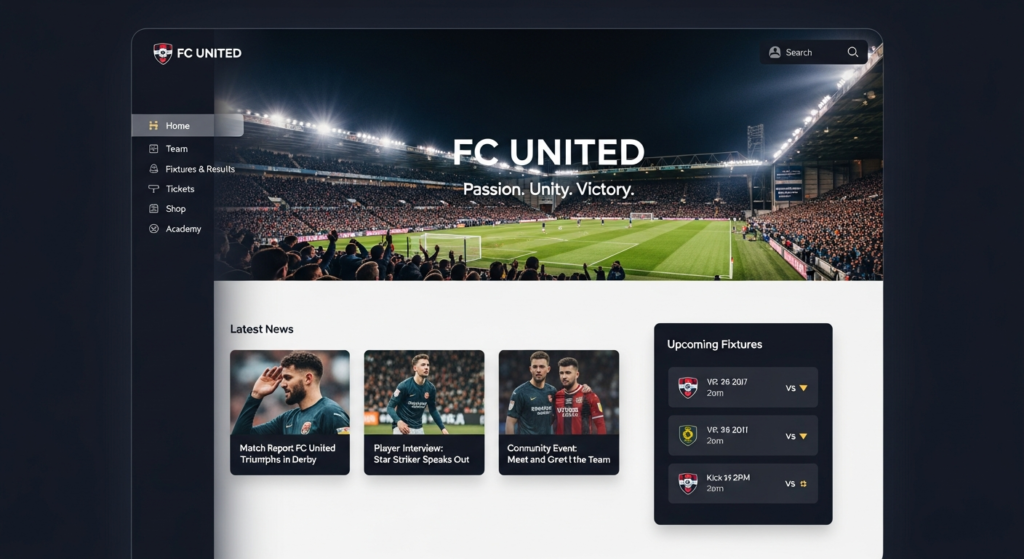
The FC Web App offers a suite of features designed for both casual and competitive players. Some of the most significant features include:
- Squad Management: Users can create, modify, and save multiple squad formations, assign players, and adjust tactics.
- Transfer Market Access: Trade players, check market trends, and list or bid for cards in real-time.
- Pack Openings: Open packs, acquire new players, and track rewards without console access.
- Squad Building Challenges (SBCs): Complete challenges for in-game rewards directly through the web app.
- Objectives and Progress Tracking: Monitor objectives, rewards, and leaderboard status.
- Cross-Device Access: Compatible with mobile browsers, desktops, and tablets.
These features collectively provide a comprehensive companion tool, allowing users to manage their virtual teams efficiently. Unlike traditional apps, the web app’s cloud-based nature ensures that all actions are synchronized and recorded instantly, offering a seamless experience.
Benefits of Using the FC Web App
The FC Web App offers multiple advantages over traditional game management methods:
- Accessibility: Play and manage teams anywhere, anytime, without a console.
- Time Efficiency: Tasks like trading, squad updates, and SBCs can be completed quickly.
- Early Strategic Advantage: Players can prepare squads and market trades before others, gaining competitive leverage.
- Device Flexibility: Works on multiple devices, reducing dependency on consoles.
- Security: Strong account verification protects user assets and game progress.
Overall, these benefits improve engagement, reduce downtime, and enable strategic decision-making, especially in competitive game modes.
Pros and Cons
| Pros | Cons |
| Access anywhere with internet | Requires stable connectivity |
| Early team management | Limited offline features |
| Real-time synchronization | Can experience server lags |
| Cross-device support | Minor browser compatibility issues |
| Efficient SBC and trading | Some features limited compared to full game |
Understanding pros and cons helps users plan usage efficiently and anticipate potential challenges.
Access Requirements for the FC Web App
To use the FC Web App, players need:
- An EA Account: Linked to their Ultimate Team profile.
- Prior Game Participation: Some early access features require a previous season’s club.
- Browser Compatibility: Modern browsers like Chrome, Edge, or Safari are recommended.
- Stable Internet: Connection issues may prevent full functionality.
These requirements ensure that users have legitimate access, and the app can perform reliably across multiple devices.
Common Issues and Troubleshooting
Despite its convenience, the FC Web App can encounter issues:
- Loading Errors: Often caused by server downtime or network instability.
- Login Failures: Incorrect credentials or account verification issues.
- Sync Delays: Changes may not immediately reflect in the main game.
- Browser Compatibility: Some older browsers may fail to load all features.
Troubleshooting typically involves checking internet connectivity, clearing browser cache, updating software, or temporarily disabling firewall/VPN settings.
Security Considerations
Because the FC Web App involves in-game assets and account information, security is paramount. Recommended practices include:
- Strong Passwords: Unique passwords for the EA account.
- Two-Factor Authentication (2FA): Provides an extra layer of protection.
- Secure Networks: Avoid public Wi-Fi for sensitive transactions.
- Regular Monitoring: Keep track of account activity for any suspicious behavior.
These measures reduce the risk of unauthorized access and potential loss of in-game resources.
Real-Life Examples of Usage
Many players use the FC Web App for strategic advantages:
- Professional Gamers: Manage squads and market trades while traveling.
- Casual Players: Complete SBCs and objectives during work or commute.
- Content Creators: Track player stats and create tutorials without console constraints.
These examples show the versatility and utility of the FC Web App in various contexts.
Progressive Web App (PWA) Features
Modern FC Web Apps often incorporate Progressive Web App technologies, allowing:
- Home Screen Installation: Quick access without opening a browser.
- Offline Caching: Some data is accessible without internet.
- Faster Load Times: Improved performance for frequently used pages.
PWAs combine the accessibility of web apps with near-native application features, enhancing the overall user experience.
How Web Apps Are Built
The FC Web App, like other web applications, relies on:
- Front-End: HTML, CSS, JavaScript for interactive interface.
- Back-End: Server-side code managing logic, data storage, and APIs.
- Database: Stores player data, market stats, and progress.
This architecture allows scalability and ensures smooth synchronization with the main game servers.
Future Trends of FC Web App
Future improvements may include:
- AI-driven market analytics: Help predict best player trades.
- Enhanced PWA support: Offline features for more tasks.
- Cross-platform integration: Mobile, desktop, and console data synchronized in real-time.
- Interactive alerts and notifications: Keeping users informed of important events or challenges.
These trends aim to make web app usage more immersive and competitive.
Frequently Asked Questions (FAQs)
Modern browsers on desktops, laptops, tablets, and smartphones.
No, the web app operates independently but syncs with your main game account.
Yes, the transfer market is fully accessible for buying, selling, and bidding.
Yes, access is included with your EA account and Ultimate Team license.
Transactions and squad changes are immediate, so always review actions before confirming.
Conclusion
The FC Web App is a revolutionary tool that enhances the way gamers manage football simulation games. It provides accessibility, convenience, early strategic advantages, and real-time synchronization with the main game. Understanding its features, limitations, and troubleshooting ensures maximum efficiency. As web apps evolve, features like PWAs, AI analytics, and cross-platform integration will make them increasingly indispensable. For casual players, competitive gamers, and professionals, mastering the FC Web App ensures a competitive edge and seamless gaming experience.
Disclaimer:
This article is for informational and educational purposes only. The tips, guides, and troubleshooting steps for the FC Web App are general suggestions and may not resolve all issues. We are not responsible for any account problems, data loss, or errors resulting from following this guide. Users should always back up their data, follow official documentation, and contact EA support for critical or complex issues.
For More Information, visit newsreflect
About the Author


